
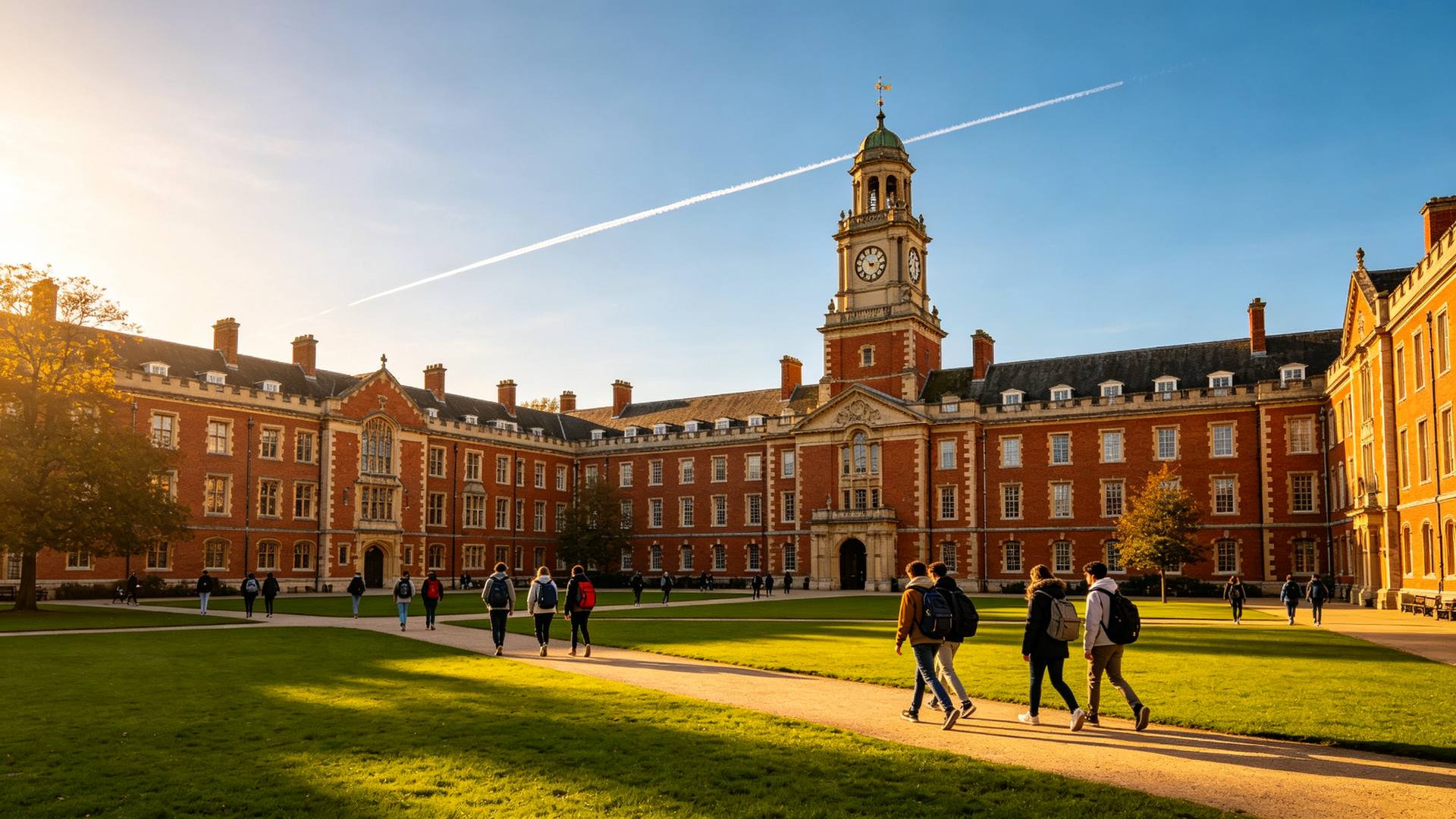
Apply yourself
For students who are confident with applications and want to do it their way.
- Direct link to the official application page
- Document checklist for each scholarship
- Track your status in My applications

Turn a saved email (.eml) into a clean, printable PDF.
FreePrivate · no uploadWord & documents
Your files never leave your device. This tool runs in your browser: nothing is uploaded to GrabScholarships or stored anywhere.
Loading the tool…
Yes. It is free to use, with no account, no limits and no watermark.
Yes. Your files stay on your device. The conversion runs in your web browser and nothing is uploaded to GrabScholarships or anyone else.
Yes. It works in any up-to-date browser on Android, iPhone, Windows, Mac and Chromebook.
30 scholarships close in the next 14 days. See every deadline, or answer 5 questions to find the ones that fit you.
 Students worldwide
Connect with students worldwide, explore campus life and learn what studying abroad is really like.